Rotation is one of the most important concepts in 3D programming.
At first, rotating an object looks simple:
mesh.rotation.y = Math.PI / 2;But when your application becomes more complex — cameras, animations, physics, character controllers, or interactive 3D scenes — rotation becomes one of the most confusing topics.
The reason is simple: a 3D rotation can be represented in different ways. In Three.js, the two most important representations are:
- Euler Angles
- Quaternions
Understanding when and why to use each one is a fundamental skill for every 3D developer.
1. What does Rotation mean in 3D?
Imagine holding a book in your hands. You can:
- Tilt it forward and backward.
- Turn it left and right.
- Rotate it like a wheel.
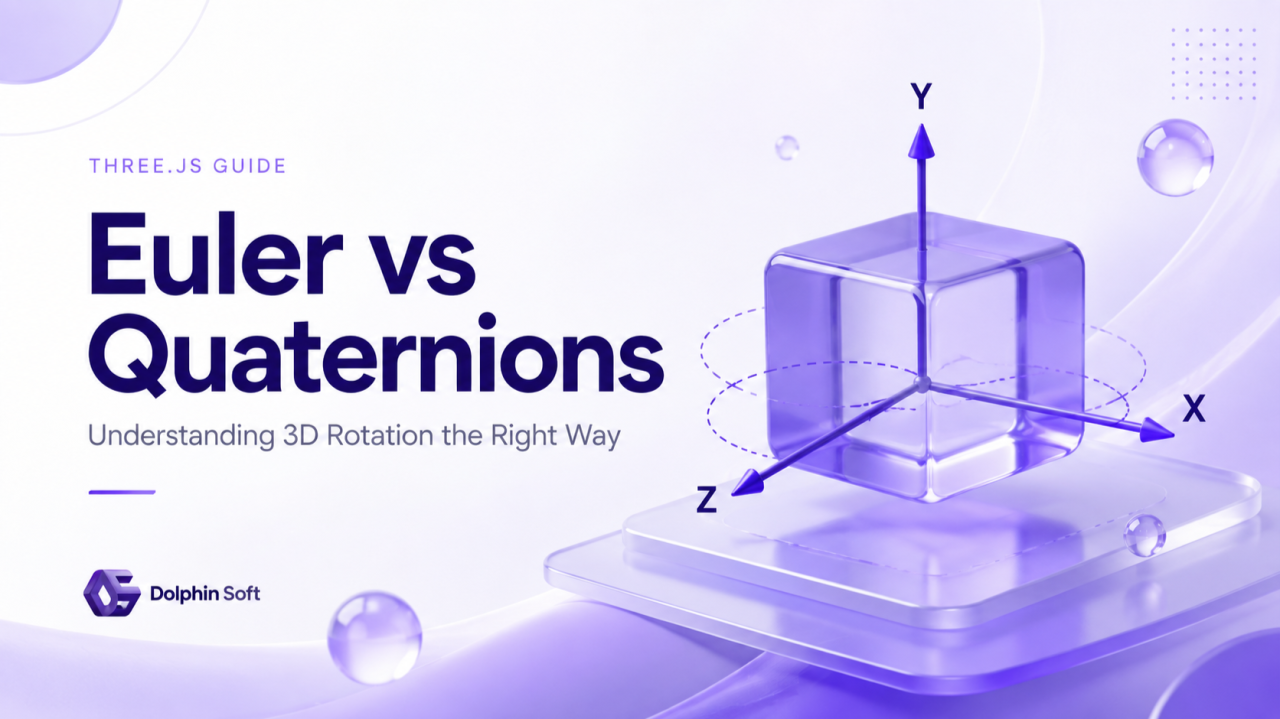
In a 3D world, these movements happen around three axes:
      Y
      ↑
      |
      |
      O --------→ X
     /
    /
   Z
Every object can rotate around the X, Y and Z axes. In Three.js:
mesh.rotation.x;
mesh.rotation.y;
mesh.rotation.z;
2. Rotation with Euler Angles
Euler angles describe rotation using three values: X rotation, Y rotation and Z rotation.
Think about a camera on a tripod. You can describe its orientation by saying: rotate it 20 degrees upward, rotate it 45 degrees to the right, tilt it 10 degrees. That is the idea behind Euler angles.
mesh.rotation.set(
  0,
  Math.PI / 4,
  0
);
This means X = 0 degrees, Y = 45 degrees, Z = 0 degrees. Three.js stores Object3D.rotation as an Euler object.
Degrees vs Radians
Computers usually use radians instead of degrees. Common conversions:
180° = Math.PI
 90° = Math.PI / 2
 45° = Math.PI / 4
mesh.rotation.y = Math.PI / 2; rotates the object 90 degrees around the Y axis. A cleaner approach:
mesh.rotation.y = THREE.MathUtils.degToRad(90);3. Rotation Order: Why Does It Matter?
This is where many developers get surprised. Imagine you hold a book. First you rotate it upward, then you rotate it to the right. The result is different from rotating it to the right first and then upward.
Rotation is not like adding numbers: Rotate X → Rotate Y is not the same as Rotate Y → Rotate X. Euler angles have an order:
mesh.rotation.order = "XYZ";The default order in Three.js is XYZ, but it can be changed.
4. The Problem: Gimbal Lock
Gimbal lock is one of the biggest weaknesses of Euler angles. To understand it, imagine a camera mounted inside three rotating rings — one for each axis. Normally the X, Y and Z rings give us three independent rotations.
But now imagine rotating the system 90 degrees around X. Something unexpected happens: two rotation axes become aligned. The system loses one degree of freedom, so a movement that should rotate around Y may behave like a movement around Z.
The object is not broken. The problem is the representation: Euler angles describe rotation as a sequence of axis rotations, so some orientations create ambiguous results.
Real-world example: Airplane
An airplane has three movements: pitch (nose up and down), yaw (turn left and right) and roll (rotate the wings). Normally they are independent. But if the airplane points straight upward, two axes can overlap, and the system cannot clearly separate "Am I rotating left?" from "Am I rolling?". This is gimbal lock.
5. Why Quaternions Exist 🤩
A quaternion is another way to represent rotation. Instead of saying "rotate X by 20°, Y by 40°, Z by 10°", a quaternion describes the final orientation of the object.
A useful real-world analogy is a trackball. When you hold a ball, you do not think "first rotate around X, then Y, then Z". You simply rotate the ball with your hand. The final position of the ball is what matters — and quaternions work closer to this idea.
6. Quaternion in Three.js
A quaternion contains four values: x, y, z and w.
const q = new THREE.Quaternion();
console.log(q); // Quaternion { x, y, z, w }
These numbers are not like a position, where x is right, y is up and z is forward. Quaternion values only make sense together — just like RGB, where a single channel does not define the color, but the combination does.
7. Creating a Quaternion Rotation
The most common method is setFromAxisAngle(): "rotate around this axis by this angle". Rotate an object 20 degrees around Y:
const quaternion = new THREE.Quaternion();
const axis = new THREE.Vector3(0, 1, 0);
const angle = THREE.MathUtils.degToRad(20);

quaternion.setFromAxisAngle(axis, angle);
mesh.quaternion.copy(quaternion);
8. Combining Rotations: copy() vs multiply()
One of the biggest advantages of quaternions is that we can combine rotations safely. Imagine holding a smartphone: first you rotate it 30 degrees to the right, then you tilt it upward by another 20 degrees. The final orientation is a combination of both movements. With Euler angles this gets complicated because the order of axes matters; with quaternions we combine rotations by multiplication.
copy(): replace the current rotation
copy() means "forget the previous rotation and use this one":
const q = new THREE.Quaternion();
q.setFromAxisAngle(new THREE.Vector3(0, 1, 0), THREE.MathUtils.degToRad(45));
mesh.quaternion.copy(q);
multiply(): add another rotation
multiply() means "apply this new rotation on top of the current rotation":
const spin = new THREE.Quaternion();
spin.setFromAxisAngle(new THREE.Vector3(0, 1, 0), THREE.MathUtils.degToRad(20));
mesh.quaternion.multiply(spin);
Think about turning a steering wheel: current position + additional turn = combined result.
9. The Most Useful Method: setFromUnitVectors()
Sometimes we do not know the rotation angle. We only know: "this object is facing this direction, but I want it to face another direction". Imagine a flashlight that points upward, and we want it to point forward.
const from = new THREE.Vector3(0, 1, 0); // current direction
const to = new THREE.Vector3(1, 0, 0);   // target direction

const q = new THREE.Quaternion();
q.setFromUnitVectors(from, to);
mesh.quaternion.copy(q);
This is one of the biggest differences between the two: Euler asks "How many degrees around each axis?", while a quaternion asks "How do I rotate this direction into that direction?"
10. Quaternion and Real-world Thinking
Imagine holding a globe. You do not think "rotate X by 15 degrees, then Y by 40 degrees" — you simply turn the globe. A quaternion stores the final orientation of the object, not the history of how we reached it.
11. Smooth Rotation with slerp()
Sometimes we do not want an object to jump to a new rotation: a camera smoothly looking at a target, a robot turning its head, a spaceship changing direction. For these we use slerp() — spherical linear interpolation, or simply "move smoothly from one rotation to another":
mesh.quaternion.slerp(targetQuaternion, 0.1);The value 0.1 means "move 10% toward the target rotation" every frame.
12. Euler vs Quaternion: When Should You Use Each?
Use Euler when you think in angles — "rotate this object 30 degrees":
mesh.rotation.y = THREE.MathUtils.degToRad(30);Good for simple object rotation, UI controls, known angles and editor inputs.
Use a quaternion when you think in directions or combined rotations — "make this object look in that direction", "apply this rotation on top of the existing one", "smoothly move between orientations". Good for cameras, animation, physics, character controllers and complex 3D interactions.
13. How Euler and Quaternion Relate in Three.js
They are not two different rotations — they are two ways to represent the same rotation. Three.js keeps both: mesh.rotation is the Euler representation and mesh.quaternion is the quaternion representation. Behind the scenes:
Euler → Quaternion → Matrix4 → GPU Rendering14. A Practical Rotation Example
Simple Euler approach:
function animate() {
  mesh.rotation.y += 0.01;
  renderer.render(scene, camera);
  requestAnimationFrame(animate);
}
Quaternion approach:
const rotation = new THREE.Quaternion();
rotation.setFromAxisAngle(new THREE.Vector3(0, 1, 0), 0.01);

function animate() {
  mesh.quaternion.multiply(rotation);
  renderer.render(scene, camera);
  requestAnimationFrame(animate);
}
The second approach gives more control when combining multiple rotations.
Final Mental Model
- Euler: "Rotate around these three axes" (X → Y → Z). Easy to understand, but can suffer from gimbal lock.
- Quaternion: "Make the object have this orientation." Harder at first, but much more powerful.
Conclusion
Rotation is not just about changing three numbers. The important question is: "Do I know the angles?" or "Do I know the direction I want?"
If you know the angles, Euler is usually enough. If you know the desired orientation or need to combine rotations, a quaternion is the right tool. Once you understand this difference, many advanced Three.js topics become much easier.