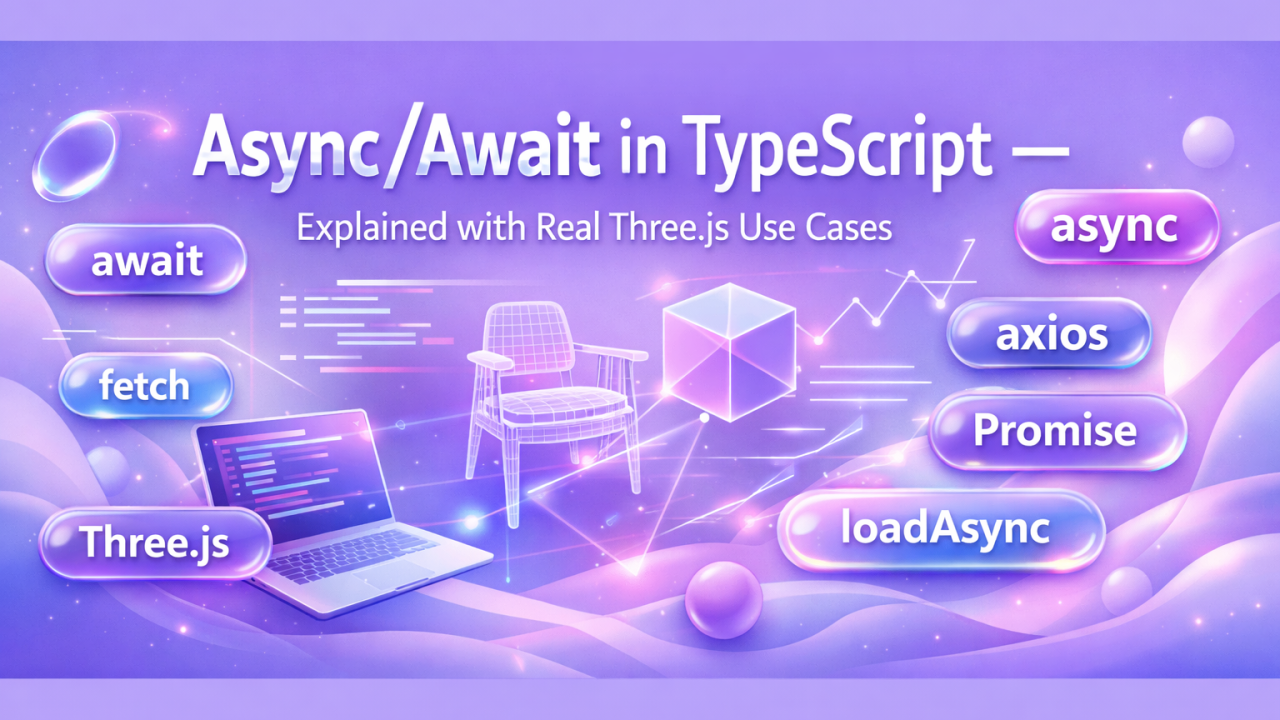
One of the biggest moments in my journey as a 3D web developer was finally understanding Promise, async / await, fetch, axios and Promise.all. At first these concepts felt confusing. But once I started building real-world projects with Three.js, WebGL, configurators and large 3D scenes, I realized: async programming is everywhere in modern 3D web applications.
Step 1 — Why do we need async programming?
JavaScript runs line by line, but some operations take time: API requests, loading 3D models, loading textures, downloading HDR environments, uploading files. If JavaScript waited synchronously for these tasks, the entire UI would freeze. That's why asynchronous programming exists.
Step 2 — What is a Promise?
A Promise means: "I don't have the result now, but I will give it to you later."
const promise: Promise<string> = new Promise((resolve, reject) => {
  const success = true;
  if (success) {
    resolve("Model Loaded");
  } else {
    reject("Loading Error");
  }
});
A Promise has three states: pending, fulfilled and rejected.
Step 3 — async / await
Before async/await, developers often used .then() chains, which could become hard to read:
loadModel()
  .then(loadTexture)
  .then(loadHDRI);
Now we can write cleaner code:
async function initScene(): Promise<void> {
  const model = await loadModel();
  const texture = await loadTexture();
}
await simply means "wait until this Promise finishes". Important rule: you can only use await inside an async function.
Step 4 — fetch
fetch() is built into the browser and is used for HTTP requests:
async function getProducts(): Promise<void> {
  const response = await fetch("/api/products");
  const data = await response.json();
  console.log(data);
}
In 3D configurators, this data can change materials, update textures, swap 3D models and configure product variants.
Step 5 — axios
Many developers use axios for its cleaner syntax, better error handling, interceptors and easier authentication handling:
import axios from "axios";

async function getMaterials(): Promise<void> {
  const response = await axios.get("/api/materials");
  console.log(response.data);
}
Step 6 — Async programming in Three.js
In Three.js, asynchronous loading is everywhere: GLTF models, textures, HDR files, audio and animations. Older loaders used callbacks:
loader.load("/chair.glb", (gltf) => {
  scene.add(gltf.scene);
});
This works, but callbacks can become messy in large projects.
Step 7 — loadAsync()
Modern Three.js loaders also provide loader.loadAsync(), which returns a Promise — so we can use async/await naturally:
const gltf = await loader.loadAsync("/chair.glb");
scene.add(gltf.scene);
Meaning: "wait until the model is fully loaded".
Step 8 — Sequential vs parallel loading
❌ Slow (sequential loading):
const chair = await loader.loadAsync("/chair.glb");
const table = await loader.loadAsync("/table.glb");
const sofa = await loader.loadAsync("/sofa.glb");
The chair loads first, then the table, then the sofa — each asset waits for the previous one.
Step 9 — Promise.all()
Promise.all() runs multiple Promises at the same time.
✅ Faster (parallel loading):
const [chair, table, sofa] = await Promise.all([
  loader.loadAsync("/chair.glb"),
  loader.loadAsync("/table.glb"),
  loader.loadAsync("/sofa.glb"),
]);
Now all models load in parallel, which can dramatically improve performance in configurators, e-commerce experiences, metaverse apps, digital twins and interactive 3D websites.
Step 10 — Real-world Three.js architecture
In real projects we usually create reusable loader functions:
async function loadChair(): Promise<THREE.Group> {
  const gltf = await loader.loadAsync("/chair.glb");
  gltf.scene.scale.set(2, 2, 2);
  return gltf.scene;
}

const [chair, sofa] = await Promise.all([loadChair(), loadSofa()]);
This makes large Three.js applications cleaner, scalable and easier to maintain.
Final Thought
Understanding async programming completely changed how I build Three.js applications. Once you truly understand Promise, async/await, fetch, axios, loadAsync and Promise.all, your code becomes cleaner, faster, easier to scale and easier to debug.
Async programming is not optional anymore for modern Three.js developers. Which async pattern do you use most in your 3D projects?