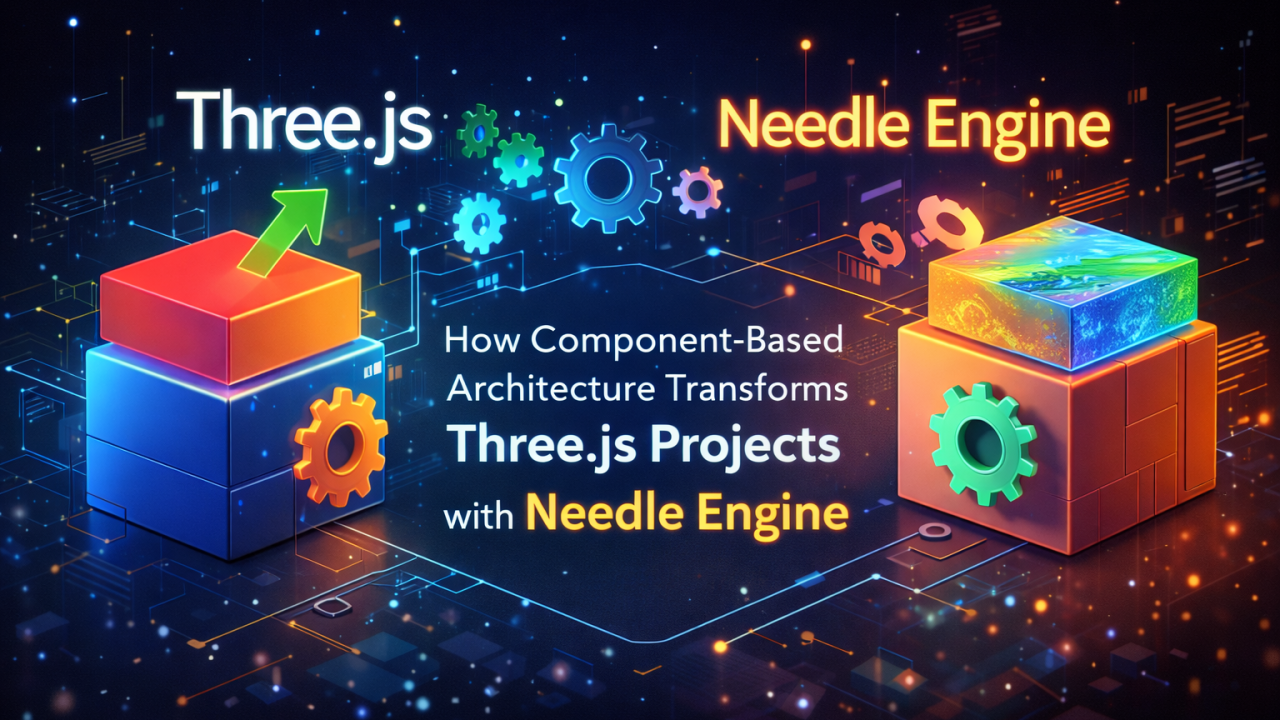
If you work with Three.js, you probably enjoy having full control over your scene, rendering loop, materials and interactions. I've been working deeply with Three.js for a long time, especially on 3D configurators and interactive tools, and honestly, I never felt I needed another engine — until I started exploring Needle Engine.
This post is not about replacing Three.js. It's about understanding what Needle Engine actually solves, and why many Three.js developers misunderstand it.
❌ A Common Misconception
Most Three.js developers think: "Needle Engine is just another abstraction that hides Three.js and limits control." That's partially true — but it misses the real point. Needle Engine is not trying to replace Three.js. It's trying to solve architectural and workflow problems, especially in larger or content-heavy projects.
🧩 What Needle Engine Really Is
- Three.js → rendering and low-level control
- Needle → structure, lifecycle and workflow
Under the hood it still uses Three.js: meshes are still THREE.Mesh and materials are still THREE.Material. What changes is how you organize logic.
🧠 The Core Idea: Behaviour-Based Architecture
In plain Three.js, logic often ends up here:
function animate() {
  rotateMesh();
  handleSelection();
  updateMaterials();
}
As projects grow, this becomes hard to maintain, hard to scale and hard to reason about. Needle Engine introduces Behaviours: reusable, attachable units of logic that belong to an object. Instead of "call a function to change the texture", you think "this object has the ability to change its texture".
🎯 Real Example: a 3D Cabinet Configurator
Imagine a cabinet with a body, a door, a top and a handle. In a typical Three.js setup you raycast, track the selected mesh globally, and apply textures with conditions and switches. In a Needle-style mindset:
Cabinet Part (GameObject)
├─ Selectable
├─ SelectionVisual
└─ MaterialSlot
Selection logic lives on the object, material logic lives on the object, and the UI doesn't know anything about meshes or materials. The UI just does:
selected.getComponent(MaterialSlot).setTexture(texture);No if, no switch, no global spaghetti logic.
⚖️ Function vs Behaviour
A function is a one-time action with no lifecycle, no ownership and no state. A behaviour has an identity and a lifecycle (start, update, onDestroy), belongs to a specific object, can be enabled or disabled, and scales with project complexity. The difference becomes huge in configurators, AR/WebXR experiences and modular 3D products.
🧩 Why Many Three.js Developers Don't "Get" Needle
Because Needle Engine shines after a project grows. For a single-scene demo or a small interactive object, pure Three.js is often the better choice. But for content-driven experiences, artist + developer workflows, large interactive scenes and AR-ready products, Needle's structure starts to make a lot of sense.
💡 The Most Important Insight
Even if you never use Needle Engine directly, it teaches you a better way to structure Three.js projects. You can take behaviour-based thinking, ownership-based logic and lifecycle separation, and apply them to pure Three.js. That alone makes it worth learning.
Function vs Component — A Practical Example
In many Three.js projects, selection and texture changes are handled with global functions and state. This works for small demos, but quickly becomes hard to scale.
❌ Traditional function-based approach
let selectedMesh = null;

function select(mesh) {
  selectedMesh = mesh;
}

function applyTexture(texture) {
  if (!selectedMesh) return;
  selectedMesh.material.map = texture;
  selectedMesh.material.needsUpdate = true;
}
This relies on global state, tight coupling and logic living outside the object.
✅ Component-based approach (Needle Engine)
Selection is one component:
import { Behaviour, PointerEventData } from "@needle-tools/engine";
import { SelectionManager } from "./SelectionManager.js";

export class Selectable extends Behaviour {
  onPointerClick(_args: PointerEventData) {
    // Update the global selection
    SelectionManager.current = this.gameObject;
  }
}
Material handling is another component:
import { Behaviour, Object3D } from "@needle-tools/engine";
import * as THREE from "three";

export class MaterialSlot extends Behaviour {
  @Object3D()
  mesh!: THREE.Mesh;

  setTextureColor(color: number) {
    const mat = this.mesh.material as THREE.MeshStandardMaterial;
    mat.color.set(color);
    mat.needsUpdate = true;
  }
}
import { Behaviour } from "@needle-tools/engine";
export class SelectionManager extends Behaviour {
static current: any = null;
}The UI code stays completely generic:
import { onStart, addComponent } from "@needle-tools/engine";
import * as THREE from "three";
import { Selectable } from "./Selectable.js";
import { MaterialSlot } from "./MaterialSlot.js";
import { SelectionManager } from "./SelectionManager.js";

onStart(context => {
  const scene = context.scene;
  context.mainCamera.position.set(0, 1, 5);

  // Add a SelectionManager to the scene
  addComponent(scene, new SelectionManager());

  // Create objects
  const cube = new THREE.Mesh(
    new THREE.BoxGeometry(1, 1, 1),
    new THREE.MeshStandardMaterial({ color: 0xaaaaaa })
  );
  cube.position.set(-1, 0.5, 0);
  scene.add(cube);

  const sphere = new THREE.Mesh(
    new THREE.SphereGeometry(0.5, 32, 32),
    new THREE.MeshStandardMaterial({ color: 0xff0000 })
  );
  sphere.position.set(1, 0.5, 0);
  scene.add(sphere);

  // Attach components
  addComponent(cube, new Selectable());
  addComponent(cube, new MaterialSlot());
  addComponent(sphere, new Selectable());
  addComponent(sphere, new MaterialSlot());

  // Create the UI
  const menu = document.createElement("div");
  document.body.appendChild(menu);

  [0xff0000, 0x00ff00, 0x0000ff, 0xffff00].forEach((color, index) => {
    const btn = document.createElement("button");
    btn.textContent = `Color ${index + 1}`;
    btn.style.backgroundColor = `#${color.toString(16)}`;
    btn.addEventListener("click", () => {
      const selected = SelectionManager.current;
      if (!selected) return;
      selected.getComponent(MaterialSlot)?.setTextureColor(color);
    });
    menu.appendChild(btn);
  });
});
Why this matters
- Selection logic doesn't know anything about materials.
- Texture logic doesn't know anything about input or raycasting.
- The UI doesn't know anything about meshes or Three.js.
Each object simply has capabilities instead of relying on global functions. That is the core idea behind Needle Engine: structure and ownership, not just rendering.
🧭 Final Thought
Needle Engine is not "better than Three.js" and not "a replacement for Three.js". It's a different layer of thinking — and for experienced Three.js developers, understanding that layer can significantly improve how you design complex 3D applications.