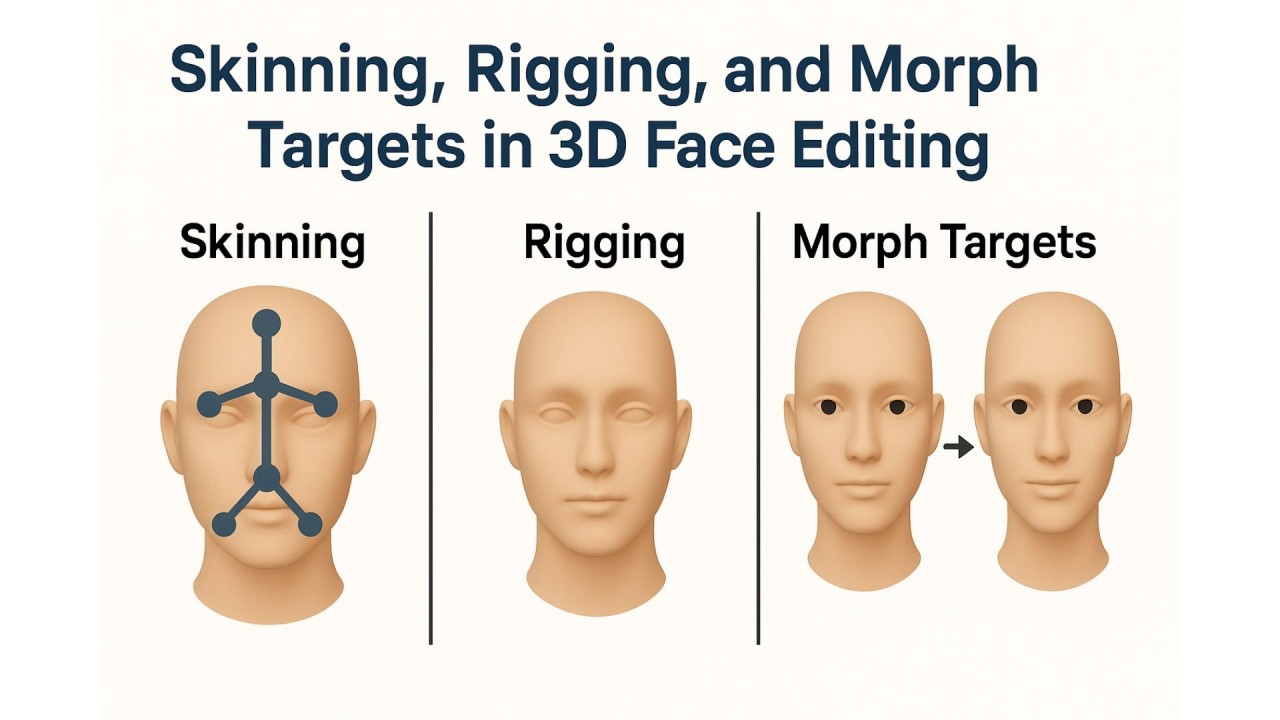
3D face editing has become a cornerstone of modern applications such as games, AR/VR and virtual avatars. However, changing facial features like the nose, lips or chin in real time requires a solid understanding of how different 3D techniques work. In this article I explain three essential concepts — skinning, rigging and morph targets — and how they can be used to manipulate faces in 3D environments like Three.js.
1️⃣ Skinning (Skinned Mesh)
Skinning is the process of binding a 3D mesh to a skeleton. Each vertex of the mesh can be influenced by one or more bones, and when the bones move, the mesh deforms accordingly.
- Use case: dynamic movements like blinking, opening the jaw or rotating the head.
- Pros: realistic, natural motion.
- Cons: difficult for subtle shape changes such as the nose or lips.
const mesh = new THREE.SkinnedMesh(geometry, material);
mesh.add(skeleton.bones[0]);
SkinnedMesh is a mesh with a Skeleton whose bones can animate the vertices of the geometry.
2️⃣ Rigging
Rigging is setting up a skeleton and assigning its bones to a mesh. Skinning relies on this rig.
- Use case: facial expressions, body animation, controlling complex movements.
- Pros: full control over motion; supports animation.
- Cons: time-consuming and requires technical knowledge.
3️⃣ Morph Targets (Shape Keys)
Morph targets let you define multiple versions of a mesh with different vertex positions. By interpolating between these versions, you get smooth changes in shape.
- Use case: subtle facial feature changes like nose size, chin length or lip fullness.
- Pros: simple, precise control over shape; multiple morphs can be combined.
- Cons: no dynamic motion — only vertex deformation.
mesh.morphTargetInfluences[noseIndex] = 0.5; // 50% nose morph
mesh.morphTargetInfluences[lipsIndex] = 0.7; // 70% lips morph
💡 Pro tip: for 3D face editing, combining morph targets for subtle shape changes with skinning and rigging for dynamic movement usually gives the best results.