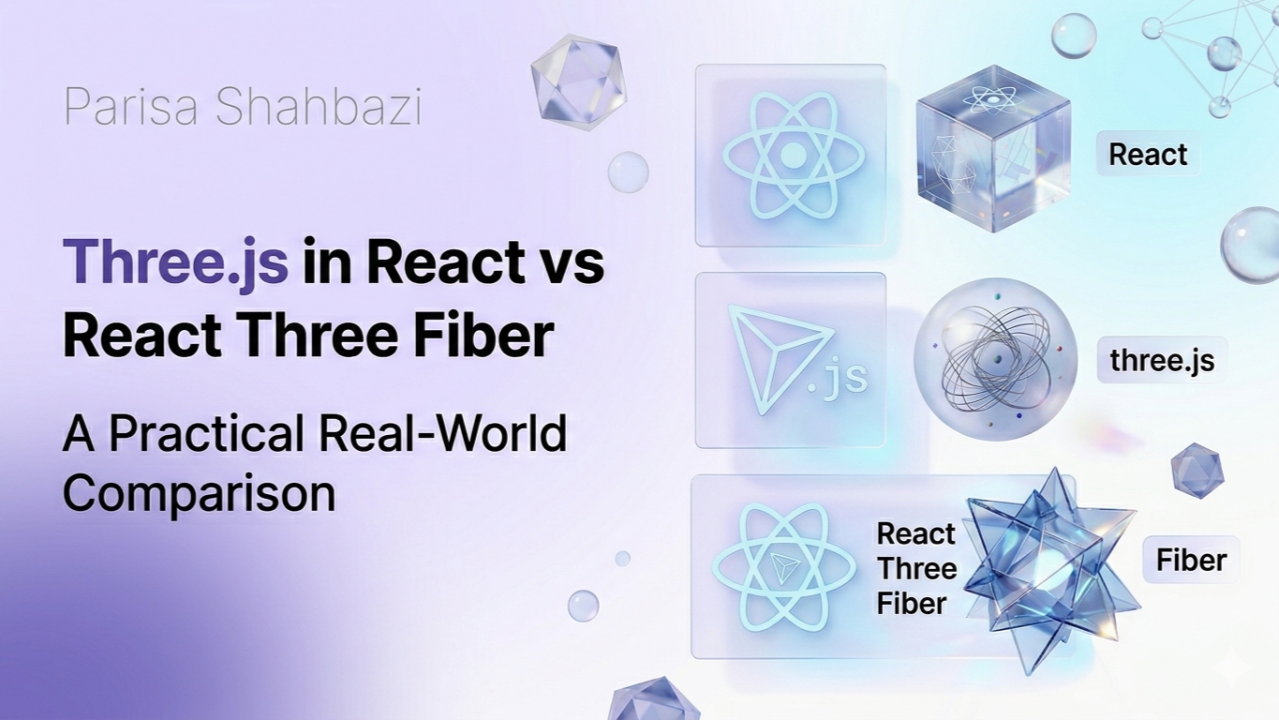
When building 3D experiences on the web, Three.js is the core WebGL library. However, integrating it into React introduces two fundamentally different approaches:
- Using Three.js directly inside React (imperative approach)
- Using React Three Fiber (a declarative React renderer for Three.js)
This article compares both approaches with working examples, architecture, real-world trade-offs and a final recommendation for modern scroll-based cinematic websites.
1. Three.js in React (Imperative Approach)
In this model, React is only a container. You explicitly create and manage the scene, the camera, the renderer and the animation loop. It feels more like building a small graphics engine inside React.
import { useEffect, useRef } from "react";
import * as THREE from "three";

export default function ThreeScene() {
  const mountRef = useRef<HTMLDivElement | null>(null);

  useEffect(() => {
    const scene = new THREE.Scene();
    const camera = new THREE.PerspectiveCamera(75, 1, 0.1, 1000);

    const renderer = new THREE.WebGLRenderer();
    renderer.setSize(500, 500);
    mountRef.current?.appendChild(renderer.domElement);

    const geometry = new THREE.BoxGeometry(1, 1, 1);
    const material = new THREE.MeshStandardMaterial({ color: "red" });
    const cube = new THREE.Mesh(geometry, material);
    scene.add(cube);

    camera.position.z = 3;
    scene.add(new THREE.AmbientLight(0xffffff, 1));

    const animate = () => {
      cube.rotation.x += 0.01;
      cube.rotation.y += 0.01;
      renderer.render(scene, camera);
      requestAnimationFrame(animate);
    };
    animate();

    return () => {
      renderer.dispose();
      mountRef.current?.removeChild(renderer.domElement);
    };
  }, []);

  return <div ref={mountRef} />;
}
Characteristics
🧱 Heavy boilerplate — you must write a lot of repetitive setup code even for simple things. Even a cube needs scene + camera + renderer + geometry + material + loop.
🎮 Imperative — you tell the system step by step what to do: create the scene, add the cube, move the cube, render the scene. You control every step manually.
Pros: maximum flexibility, full WebGL control, suitable for engine-level work — working very close to the GPU, like rendering systems, physics engines or custom pipelines.
Cons: heavy boilerplate, hard lifecycle management, risk of memory leaks, and an architecture that doesn't feel like React.
2. React Three Fiber (Declarative Approach)
R3F turns Three.js into React components. Instead of manually controlling everything, you describe the scene with JSX.
import { Canvas, useFrame } from "@react-three/fiber";
import { useRef } from "react";
import * as THREE from "three";

function Cube() {
  const meshRef = useRef<THREE.Mesh | null>(null);

  useFrame(() => {
    if (!meshRef.current) return;
    meshRef.current.rotation.x += 0.01;
    meshRef.current.rotation.y += 0.01;
  });

  return (
    <mesh ref={meshRef}>
      <boxGeometry args={[1, 1, 1]} />
      <meshStandardMaterial color="red" />
    </mesh>
  );
}

export default function Scene() {
  return (
    <Canvas camera={{ position: [0, 0, 3] }}>
      <ambientLight intensity={1} />
      <Cube />
    </Canvas>
  );
}
Characteristics
🌿 Declarative — you describe what you want, not how to build it. You write a structure like <mesh><boxGeometry /></mesh> and React handles the rest.
🧩 Abstracted control — some low-level control is hidden behind a simpler API. You don't manually manage the renderer, the scene lifecycle or the animation loop setup.
⚛️ A React layer over Three.js — Three.js is the core engine; R3F is the React interface for that engine.
Pros: clean and readable code, React-friendly architecture, fast development, great for UI-driven 3D apps such as configurators, dashboards and product viewers.
Cons: abstracts low-level WebGL, gives less direct control over the rendering engine, and requires a React mindset and 3D thinking together.
3. Real-World Use Cases
Use Three.js directly when building custom rendering engines, physics-heavy simulations, advanced WebGL pipelines or low-level shader systems.
Use React Three Fiber when building product configurators, e-commerce 3D viewers, UI-integrated dashboards, React-based applications or scroll-based cinematic websites.
🌊 4. Modern Trend: Scroll-based + GSAP + Awwwards Websites
Modern high-end websites often combine GSAP for scroll animations and timelines, Three.js or R3F for 3D scenes, and GLSL shaders for visual effects.
🏆 Best approach: React Three Fiber + GSAP + GLSL
These projects require:
- UI + 3D synchronization — scroll triggers must affect 3D objects.
- Animation orchestration — GSAP controls the timeline, R3F controls the rendering.
- Shader integration — R3F makes shader usage easier and reactive.
🚀 Final Recommendation
- If you build engine-level graphics → Three.js in React
- If you build modern web experiences (Awwwards style) → React Three Fiber
💬 In your experience, which approach feels more powerful for real production work — full control with raw Three.js, or faster React-based development with React Three Fiber?